
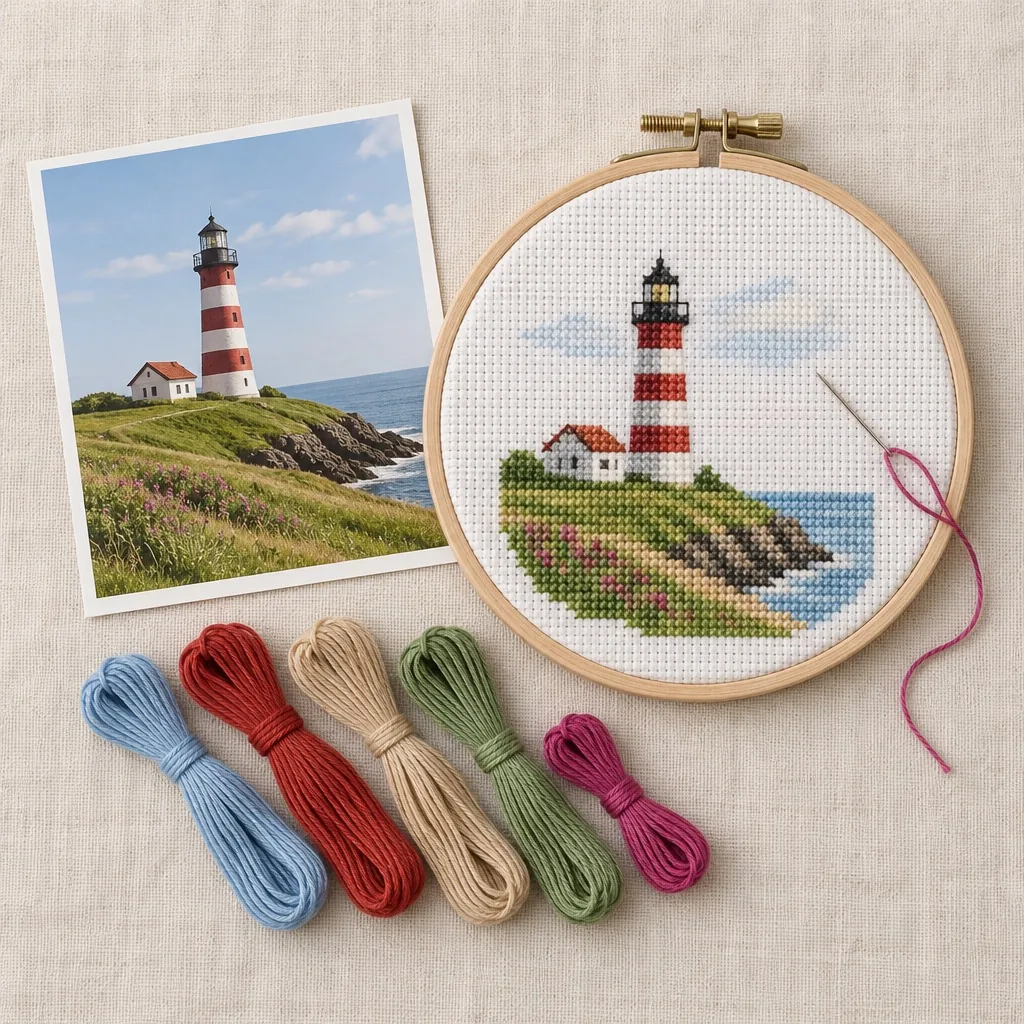
1. Pick the right photo
Choose a sharp photo with good light and one clear subject. Faces, pets, houses and simple landscapes work best. A plain background helps even more, because every stitch then goes to the part you care about.
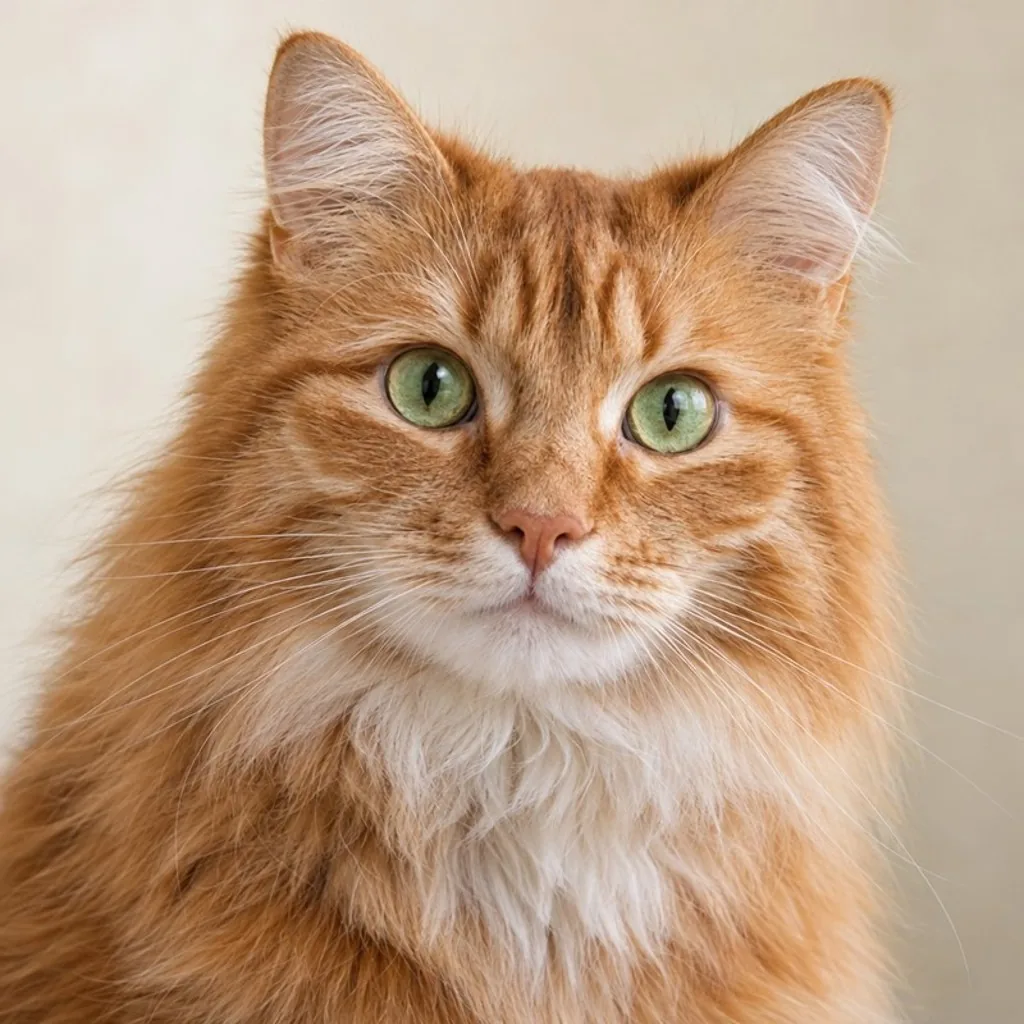
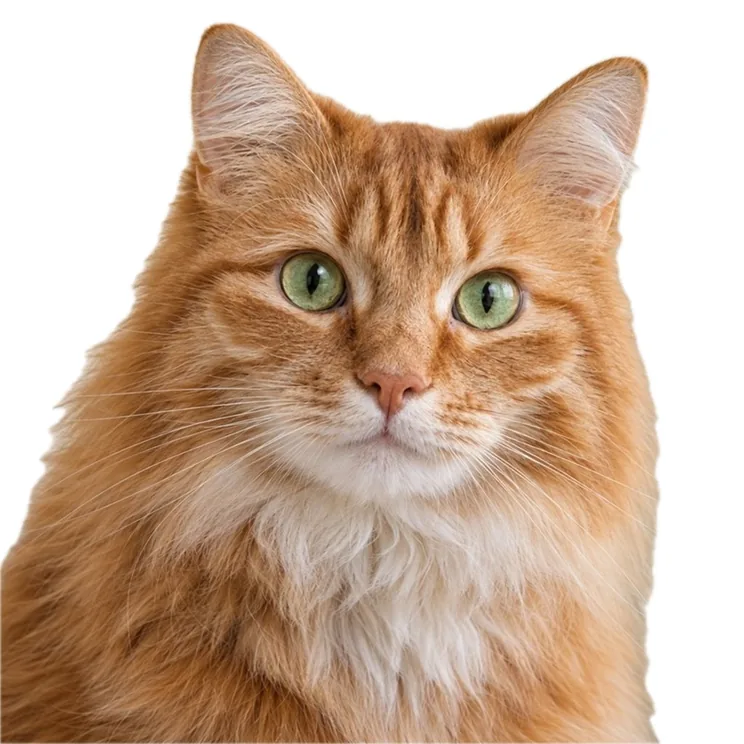
2. Choose a size
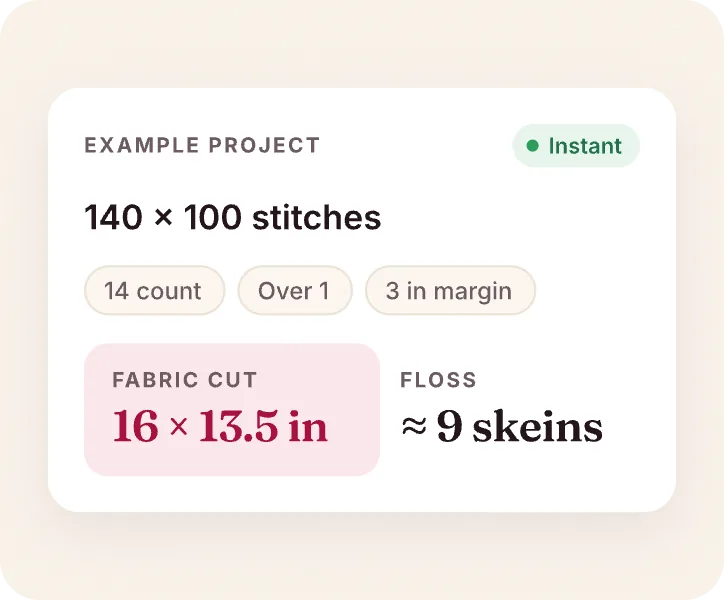
Size decides how much detail you get and how long you stitch. On 14-count Aida, every 14 stitches make one inch. Stitching on another fabric? The cross stitch calculator shows the size and the fabric to buy for any count.
| Stitches | Finished size (14-count) | Good for |
|---|---|---|
| 50 × 50 | 3.6 in · 9.1 cm | Ornaments, cards |
| 80 × 80 | 5.7 in · 14.5 cm | A first portrait |
| 120 × 120 | 8.6 in · 21.8 cm | Pets and faces with detail |
| 200 × 200 | 14.3 in · 36.3 cm | Big wall pieces |
3. Choose your colors
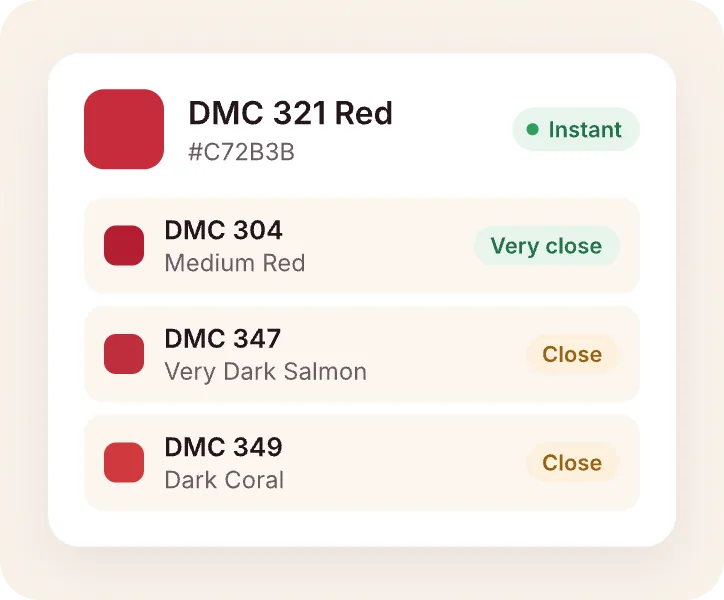
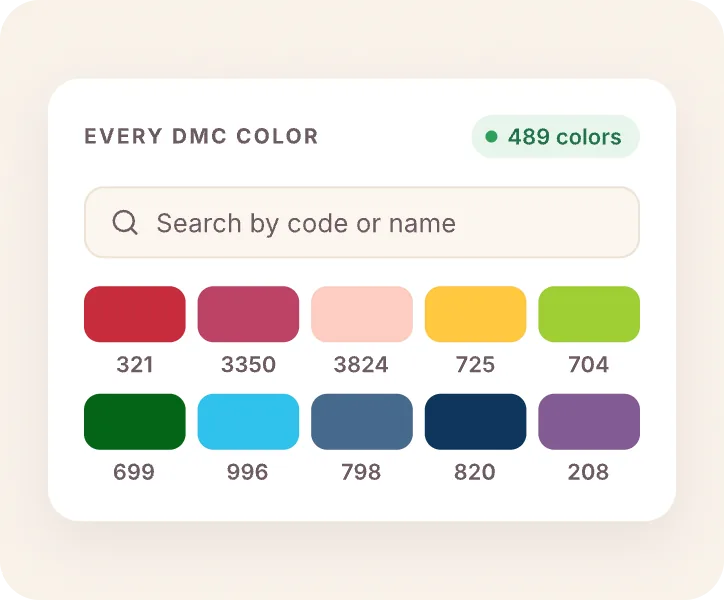
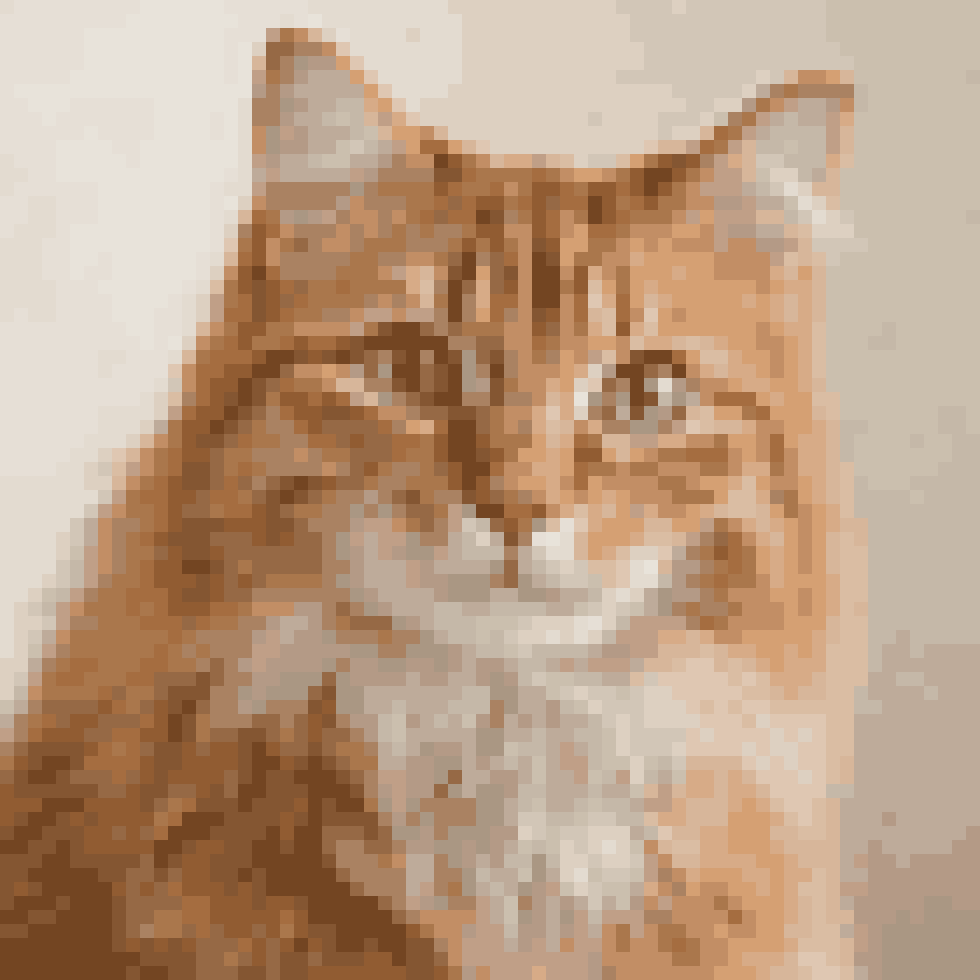
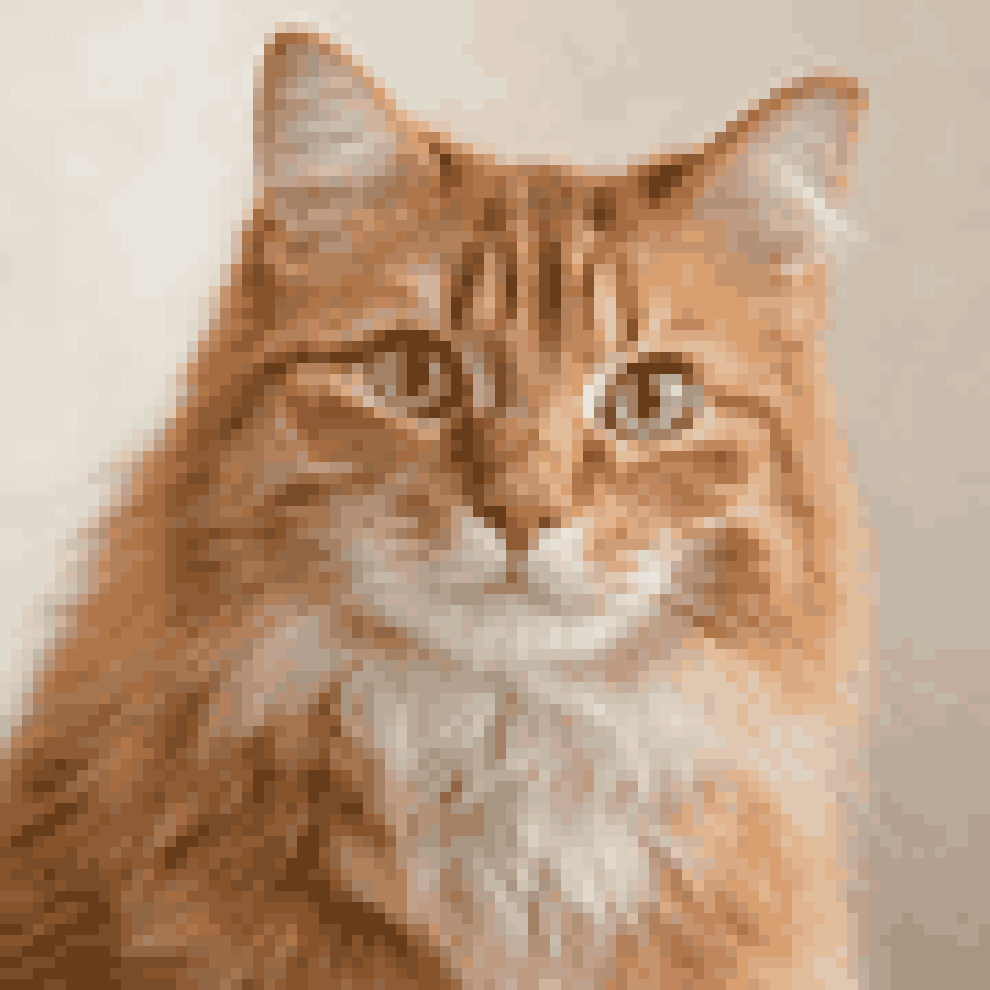
More colors give smoother shading, but also more thread changes. Start around 20 to 30 colors for a pet or portrait. Stitch Craft matches each one to a real DMC thread. You can look up every shade in the DMC color chart, or find the thread for one exact color with the DMC color matcher.
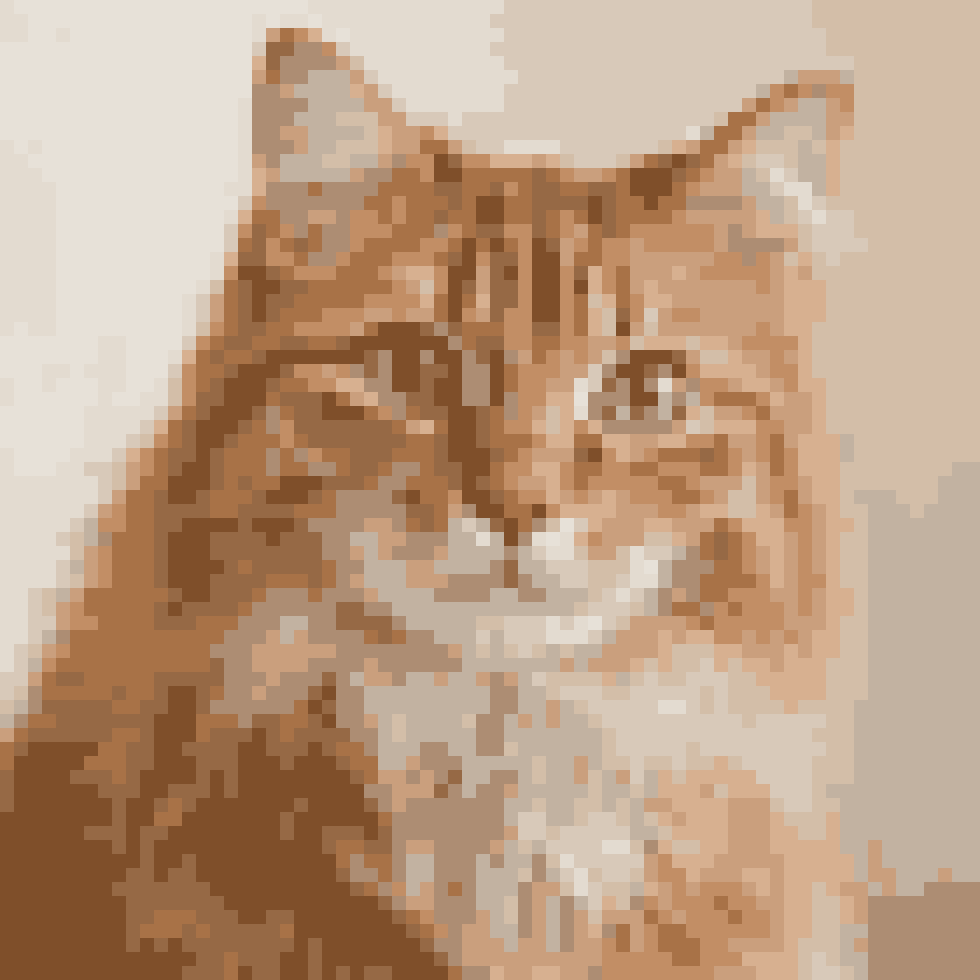
4. Clean up the chart
Look for single stitches of a color that sit on their own. They take time and add little. Swap them for a neighbor color, merge colors that look almost the same, and add backstitch where an outline needs to stand out.
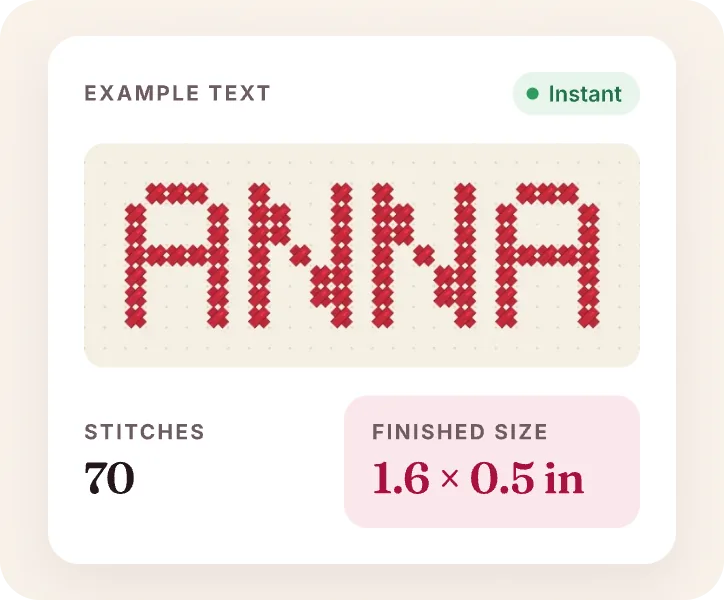
Want to add a name or a date? Chart it with the cross stitch letters generator and place it under your design.
5. Stitch and track
Large patterns are easier in sections. Mark stitches as you go, so you always know where you were, and keep a shopping list of the threads you still need. The Stitch Craft cross stitch pattern maker does all five steps on your iPhone or iPad.
Not sure? Make two versions with a different size or color count and compare them side by side before you buy thread.